Week - Meals
Meals is the week's meal planner: your own meals of the day down the side, the seven days across, and a line for what is for each. It sits beside your tasks, with a box of recipes and a way to turn the week into a shopping list.
- Turn it onAdjust on the week, then Meals under On this week.
- Write a mealPress a day, then type under the meal it is for.
- Plan the weekPress Meals above the week.
- Shop for itAdd to a list, then pick the list.
Your meals of the day
Breakfast, Lunch, Dinner and Snack are offered to start with. Keep the ones you plan and turn the rest down, or name your own, such as Brunch or Before the gym. Each can be renamed, recoloured, moved up or down and removed. Removing one never loses what was written under it: those lines move to a row called Other.
Your meals stay the same from week to week, so a new week is ready to fill in straight away.
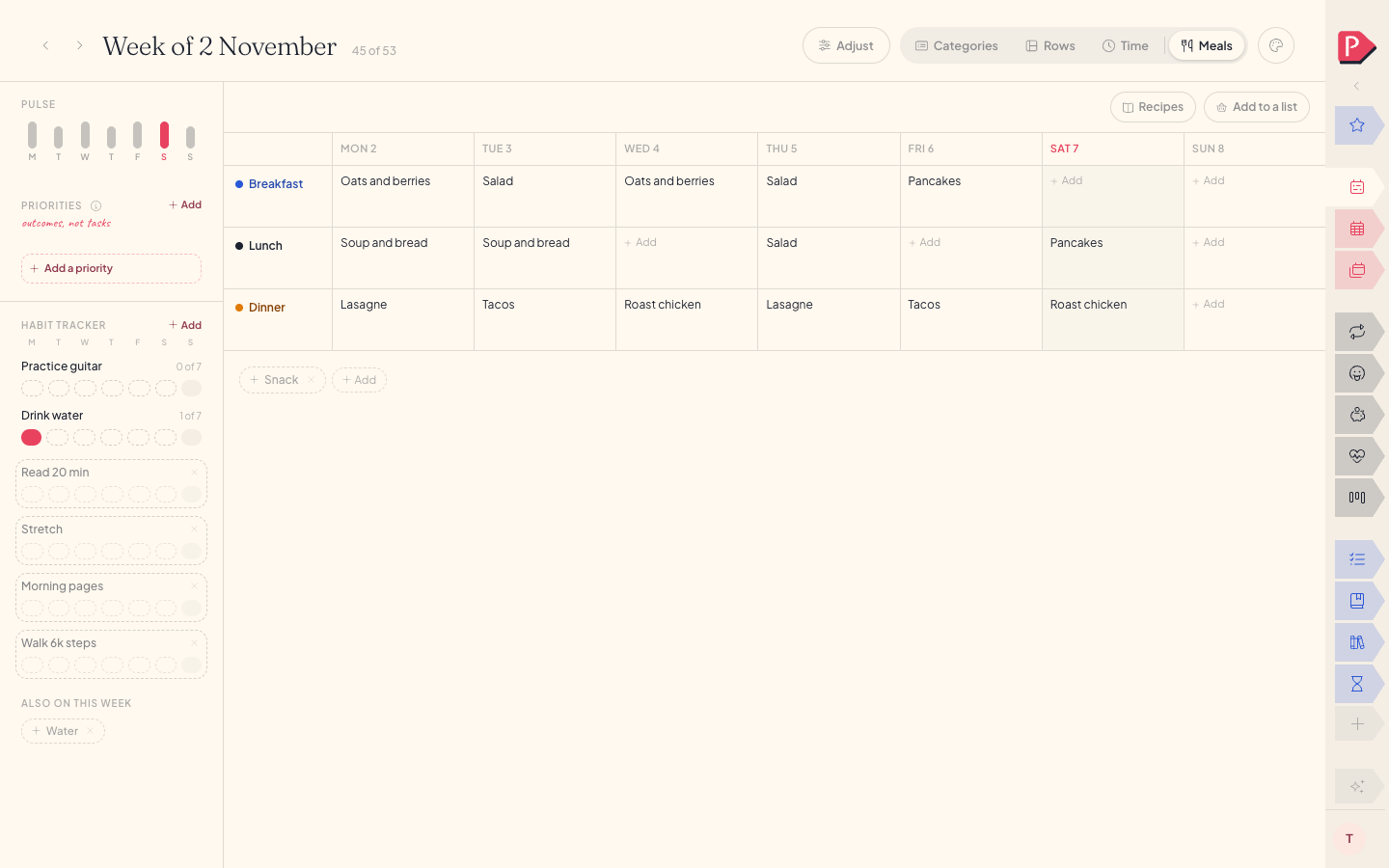
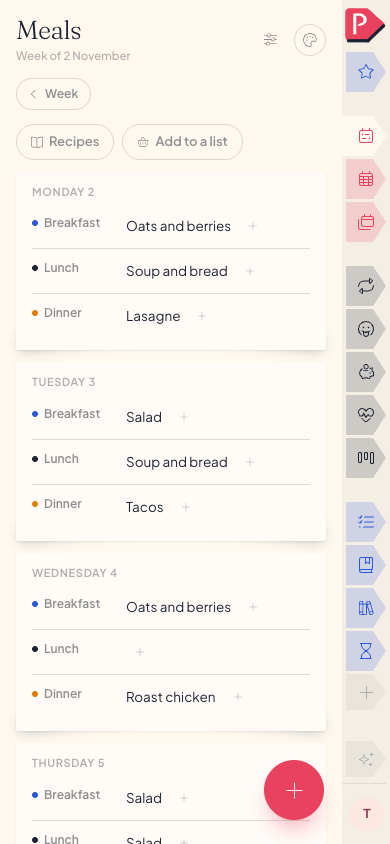
Writing what is for each
On a computer, the rail beside the week shows a line for each day; press a day to write in it. The Meals half shows the whole week as a grid, and lines can be dragged between days and meals. On a phone, the day's meals sit under its habits, and the Meals half lists the seven days.
As you type, the meals of the last two weeks and your recipes are offered under the field. Picking a recipe links the line to it. An empty week can start from the last week that had meals in it, in one press, with a line to take it back.
A meal is not a task. There is nothing to tick and nothing is counted, so Leftovers or Out is a line like any other.
Writing what is for dinner into a day
Writing what is for dinner into a day, on a phone
The recipe box
Recipes opens the box. A recipe has its ingredients, how many it serves, how long it takes, where it is from, tags such as Quick or Vegetarian, and the method in your own words.
Type each ingredient as one line, such as 2 cups flour or 1½ tbsp sugar, and Planye reads the amount, the unit and the name. When a recipe says how many it serves, the arrows beside Ingredients scale every amount without changing what you wrote.
A shopping list from the week
Add to a list gathers the ingredients of every meal linked to a recipe this week, adds up the ones that match, and leaves out what you always have in the cupboard. Choose a list, or a new one, and the items are written into Lists, where you tick them off as usual.
The list is written once. Changing the week afterwards does not change the list, so nothing you crossed off comes back.
Questions about meals
The details, for when you want them. Nothing here is required reading.Can Planye count calories?
No, on purpose. The page says what is for dinner and stops. It does not score food.
Can I import a recipe from a website?
Not yet. Paste the link into From so you can find it again, and type or paste the ingredients and the method into the recipe.