Measures
Measures keeps your weight and your body's measurements, a value on a day, and draws each one as a line over time. A simple figure shows where each is taken: tap a place on it and type the number.
- Find itThe Health tab, then Measures at the top.
- StartTap a place on the figure, keep a suggestion such as Weight, or make your own.
- Write a valueTap the dot on the figure, or Write on its card.
- Another dayStep back with the arrows beside the date.
The figure
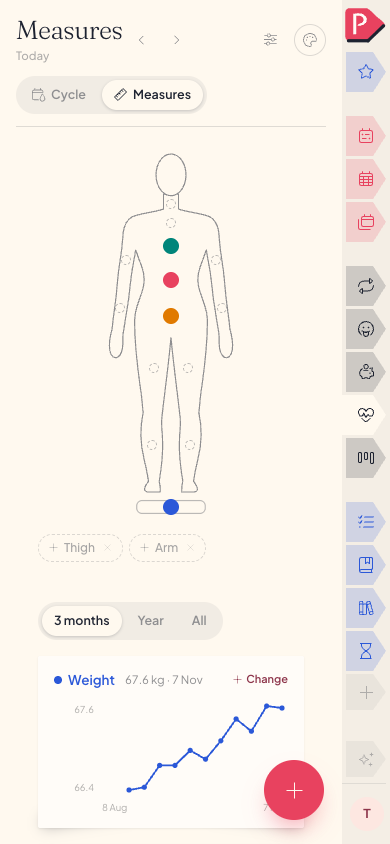
Every place on the figure you can measure has a faint ring. Tap one and type the number, and that place has a measure from then on: a filled dot when the day has a value, a dashed ring when it does not. A weight sits on the scale under the feet. The figure is your mirror, so your left arm is on the left.
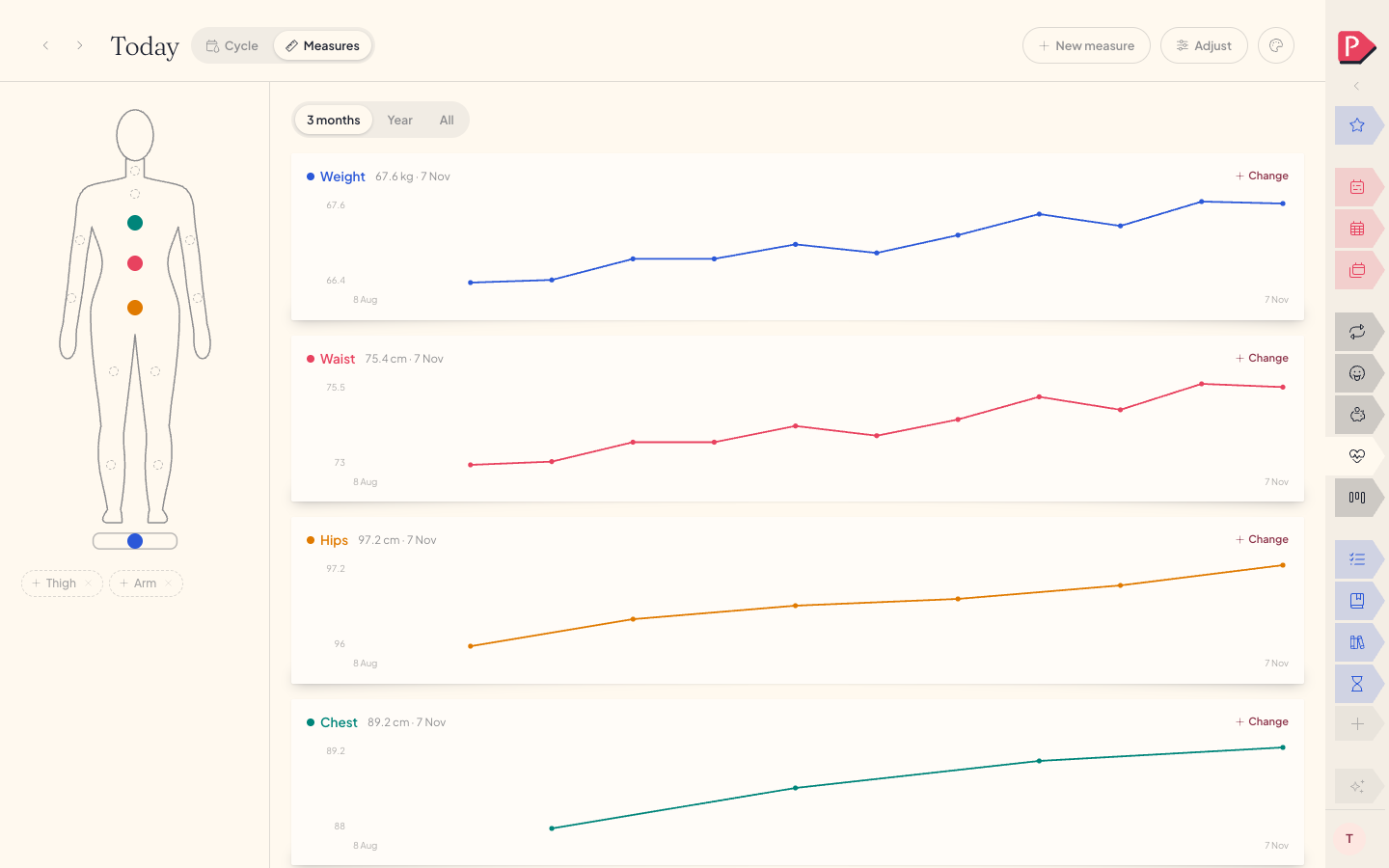
Tapping a place on the figure and writing a measurement
Tapping a place on the figure and writing a measurement, on a phone
Your own measures
Tap a measure's name to rename it, recolour it, say whether it is a length, a weight or a plain number, or remove it. A measure made with New measure sits in its card rather than on the figure, which suits a plain number like a ring size or a resting pulse.
Adjust sets the units: metric, imperial, or whatever your device uses. Changing them redraws every value without changing what you wrote.
A line, not a verdict
A line is drawn in the measure's own colour whichever way it goes. There is no green for down or red for up, no number counting down to a goal, and nothing worked out from what you wrote, such as a body mass index. If you want a mark, add one to the measure and it is drawn as a faint line across the chart, nothing more.
Measurements are health data. They are kept to show back to you and are counted nowhere.
Questions about measures
The details, for when you want them. Nothing here is required reading.Can it read my weight from a health app or a smart scale?
No. Every value is one you write, which takes a few seconds and keeps the data in your planner only.
I don't track a cycle. Can I hide it?
Yes. In Adjust, under On this page, turn Cycle off and the Health tab opens straight onto your measures.